
Table of Contents
- Why Visualizing Furniture Before Purchase Matters
- How to Measure a Room for Furniture Placement
- Augmented Reality Furniture Apps: How They Work
- Best Room Layout Apps for Furniture Visualization
- Step-by-Step: How to Visualize Furniture in Your Space
- Common Mistakes That Lead to Wrong Furniture Choices
- Privacy and Data Security When Using Room Scanning Apps
- Making Your Final Decision: From Visualization to Purchase
- Frequently Asked Questions
Last Updated: August 3, 2026
Why Visualizing Furniture Before Purchase Matters
Learning to visualize furniture in home spaces is essential for confident buying decisions. At Le Rouge Tete, we’ve watched countless customers purchase pieces online or in-store, only to discover they don’t fit or clash with existing décor. Furniture is a significant investment, and regret-free shopping requires seeing items in context before committing.
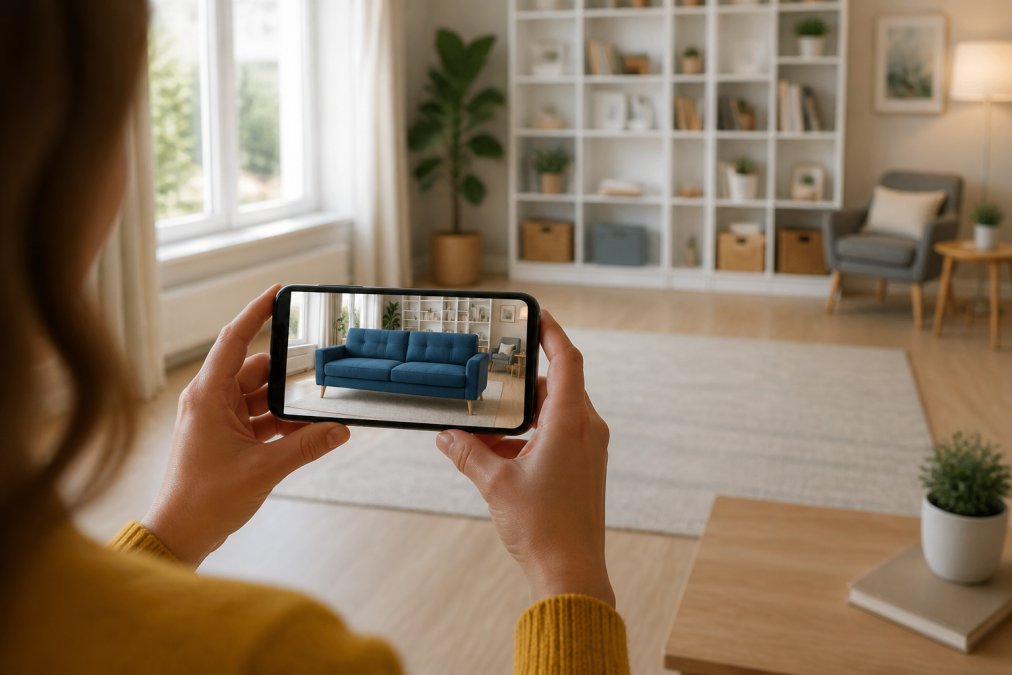
According to National Retail Federation consumer behavior research, a majority of shoppers report dissatisfaction with furniture purchases due to sizing or aesthetic mismatches. Digital visualization tools, augmented reality, AI-based visualization, and room scanning technology, let you preview furniture before it arrives, eliminating guesswork and enabling purchases made with confidence.
The most common mistake is skipping the measurement phase. Even the best visualization apps fail when room dimensions are inaccurate. Spend 10 minutes measuring to prevent hours of regret later.
How to Measure a Room for Furniture Placement
Accurate measurements form the foundation of successful furniture visualization. Without precise dimensions, even photorealistic digital previews will mislead you about fit and scale.
Start by sketching a rough floor plan on paper or using a simple digital tool. Measure each wall from corner to corner using an actual measuring tape. Mark doorway widths, window sill heights, and distances to light switches or outlets. Ceiling height is critical, a 9-foot ceiling feels different from an 8-foot one, and tall furniture can overwhelm a lower ceiling. Measure from floor to ceiling in at least two spots.
Essential Tools for Accurate Measurements
A basic measuring tape (at least 25 feet long) is your primary tool. A laser measuring device works faster for longer distances but isn’t essential. Keep a notepad or smartphone notes app to record measurements immediately. Take photos of the room from multiple angles to help you remember spatial relationships when using visualization apps later. Smartphone apps like Measure (iOS) or Google Measure (Android) use augmented reality to calculate distances and save time compared to manual tape measuring.
Recording Dimensions and Creating a Floor Plan
Once you have measurements, create a floor plan at scale using graph paper or digital tools like Floorplanner or RoomSketcher. Label everything with dimensions. Note which walls get natural light and indicate traffic flow paths, where people naturally walk through the room. This information becomes crucial when deciding whether a furniture arrangement actually works for daily living.
Augmented Reality Furniture Apps: How They Work
Augmented reality technology overlays digital furniture onto your real room using your smartphone camera. The app analyzes the camera feed to understand spatial dimensions and surfaces, creating a spatial map of your room in real-time. Once mapped, it anchors digital furniture to specific locations, which you can resize, rotate, and reposition to test different layouts.
The biggest advantage of AR is photorealistic preview. You’re seeing furniture rendered in your actual lighting conditions, against your actual walls, with your actual décor in the background, eliminating the gap between online product photos and real-world appearance.
AR vs. AI-Based Visualization: Key Differences
AR visualization requires real-time camera access and uses your phone’s spatial sensors to map your room. AI-based visualization works with photos: you upload a photo of your room, and AI algorithms predict how furniture will look in that space.
AR apps demand more from your device and require a newer smartphone with good processing power and sensors. Setup involves scanning your room by moving your phone around until the app has enough spatial data. The payoff is that you can see furniture from any angle in real-time.
AI-based visualization is simpler to use. You take a photo, upload it, and the AI renders furniture into that photo. No scanning required. The limitation is that you see furniture from only the angle of your original photo. However, AI approaches often excel at matching lighting and shadows.
For most homeowners, AR is superior for thorough visualization. But if your phone is older or you want quick results without setup, AI photo-based tools are faster and easier.
AR apps sometimes struggle with complex room geometry. Alcoves, angled walls, or unusual ceiling heights can confuse spatial mapping. If your room has non-standard architecture, test the app in a simple area first before relying on it for important decisions.
Best Room Layout Apps for Furniture Visualization
Ikea Place uses AR to place Ikea furniture into your room. The app is free and works on most modern iPhones and Android devices. The limitation is that it only shows Ikea products.
Wayfair’s View in Room offers a broader furniture catalog using AR. Setup is straightforward: scan your room, select furniture, and place it. The app handles scale automatically based on your room’s dimensions.
Room Planner by Chief Architect is a free floor plan tool that excels at spatial planning. You draw your room dimensions, place furniture pieces, and view the layout from above or in 3D perspective. It’s less immersive than AR but gives precise control over measurements.
Homestyler combines floor planning with AR visualization. You input room dimensions, design a layout, and then view it in AR. The app includes a massive furniture library from multiple retailers.
MagicPlan focuses on room measurement and planning. Its strength is converting your room’s dimensions into a detailed floor plan with visualization features.
Free vs. Paid Visualization Software Comparison
| App | Price | Best For | AR Support | Furniture Library |
|---|---|---|---|---|
| Ikea Place | Free | Ikea shopping | Yes | Ikea only |
| Wayfair View in Room | Free | Multi-retailer browsing | Yes | Wayfair catalog |
| Room Planner | Free | Precise floor plans | No | Basic library |
| Homestyler | Free (with premium option) | Comprehensive design | Yes | 500K+ pieces |
| MagicPlan | Free (with premium option) | Measurement + planning | Limited | Multiple retailers |
Most people find free versions sufficient. Spending 30 minutes learning a free app’s interface saves you from making a $2,000 furniture mistake.
Step-by-Step: How to Visualize Furniture in Your Space
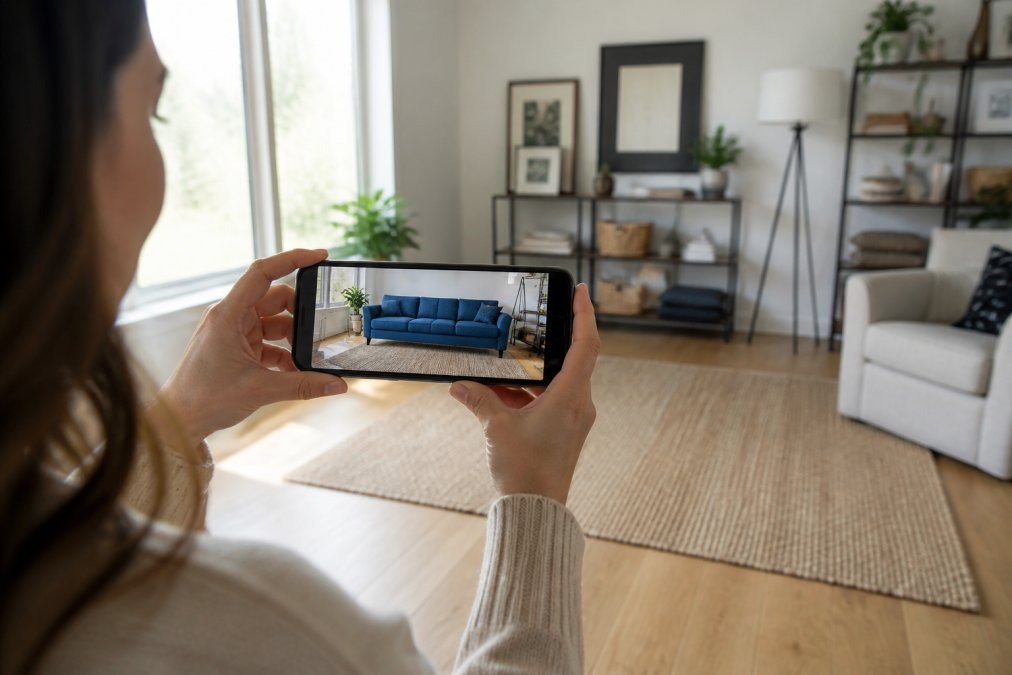
Choose your visualization method based on your smartphone and preferences. Gather your room measurements and have your floor plan ready. Take several photos of your room from different angles.
Scanning Your Room and Capturing Accurate Dimensions
If using an AR app, open it and select “Scan Room.” Hold your phone in landscape mode and slowly move it around the space. The app will display a grid or point cloud showing what it’s detecting. Move systematically, starting at one corner and sweeping across walls, floor, and ceiling. Most apps require 30 seconds to 2 minutes of scanning.
Once scanning is complete, verify the room dimensions. Most AR apps display a summary. Compare this to your manual measurements. Small discrepancies (±6 inches) are normal and won’t affect visualization accuracy.
Uploading Furniture and Adjusting Scale and Perspective
Select furniture pieces you want to visualize. Most apps let you browse by category or search for specific pieces. Place your first piece in the room by tapping the location where you want it. The scale should be automatically correct based on your room’s dimensions.
Rotate and reposition furniture to test different layouts. Walk around the piece, step back to see it from across the room, move closer to see detail. Test multiple configurations. Don’t settle on the first arrangement; test at least three variations to understand what actually works in your space.
Matching Lighting and Shadows for Realistic Results
Visualize furniture at different times of day if possible. Morning light differs from afternoon light. Evening lighting with artificial lamps creates different shadows and color casts. A light-colored sofa might appear bluish in bright morning light but yellowish under warm evening lamps.
If you’re shopping at Le Rouge Tete, our showroom’s “live in” layout displays furniture under various lighting conditions. When you combine in-person viewing with digital visualization at home, you get the complete picture of how furniture will look in your specific space.
The most realistic furniture visualization happens when you test pieces in your actual room lighting at the time of day you’ll most often see them.
Common Mistakes That Lead to Wrong Furniture Choices
Ignoring traffic flow is perhaps the most common error. Test your layout by imagining daily activities. Can someone walk from the entry to the kitchen without navigating around furniture? Can you open closet doors fully? Does a coffee table create a tripping hazard?
Underestimating scale happens when digital previews don’t fully convey size. A sofa that looks reasonable in a visualization might actually dominate the room. If you can’t comfortably walk behind a sofa in your visualization, it’s too large for your space.
Neglecting color interaction leads to purchases that clash with existing décor. A fabric color that looks neutral in product photos might appear too warm or too cool when placed against your walls.
Forgetting about proportions causes mismatched room aesthetics. A massive sectional might fit dimensionally but overwhelm the space visually. Good visualization shows these proportion problems clearly.
Not accounting for delivery and assembly leads to regret after purchase. A sofa that fits through your front door might not fit up a narrow staircase. Before finalizing a purchase, verify delivery paths and assembly requirements.
Privacy and Data Security When Using Room Scanning Apps
When you use room scanning technology, your smartphone captures detailed spatial information about your home. Most AR visualization apps process spatial data locally on your device. The app scans your room, creates a spatial map, and uses that map only within the app. However, read each app’s privacy policy to confirm.
If privacy is a concern, use apps that process data entirely on-device. When you do upload room photos or spatial data, consider what information those images reveal. A room photo shows not just furniture but also personal items and details about your home.
Reputable apps use standard encryption for any data transmission. Look for apps from established companies with clear privacy policies. Avoid unknown apps asking for unusual permissions.
Never use visualization apps from unknown developers. Always read privacy policies before scanning your room. Stick with apps from established companies with clear, readable privacy policies.
Making Your Final Decision: From Visualization to Purchase
Visualization is a tool for decision-making, not a substitute for it. After testing furniture in your digital space, review your visualizations and note which layouts felt most functional and which pieces looked best in your actual lighting.
Visit the furniture in person if possible. See it, touch it, sit on it. Visualization shows how it looks; in-person viewing shows how it feels. A sofa might look perfect in your room but be uncomfortable.
Consider longevity. Are you buying trend-driven pieces or timeless furniture you’ll love long-term? Think about durability, maintenance, and whether the style aligns with your long-term home vision. Don’t rush major furniture decisions. If a sofa still feels right after a week of visualizing it, that’s a positive sign.
Finally, consider the total cost of ownership. Purchase price is just the beginning. Factor in delivery, assembly, potential repairs, and eventual replacement.
Visualizing furniture in home spaces transforms how you shop. By combining accurate measurements, digital visualization tools, and thoughtful decision-making, you eliminate the guesswork that leads to regret. Le Rouge Tete’s curated selection of pre-loved furniture, displayed in our distinctive “live in” layout, gives you the advantage of seeing pieces in realistic room settings before you commit. With over 16 years of community service and a commitment to quality, we help you find stylish, unique pieces at prices significantly lower than retail. Our convenient local pickup service means getting your furniture home is simple. Contact Le Rouge Tete today and discover how the right furniture, visualized properly, transforms your space.
Frequently Asked Questions
What is the best way to visualize furniture in my home before buying?
The most reliable approach combines three steps: accurate room measurements, augmented reality or 3D visualization apps, and attention to scale and lighting. Measure your space precisely using a tape measure or laser tool, upload those dimensions to an AR app, then position virtual furniture to see how pieces fit. For consignment shopping locally, visit in person and ask staff to help you envision items in different configurations, just like Le Rouge Tete’s ‘live in’ store layout shows furniture in realistic room settings.
How do I measure a room for furniture accurately?
Use a tape measure to record the length and width of each wall, ceiling height, and the position of doors, windows, and outlets. Measure corner to corner diagonally to verify your rectangle is square. Note the location of any permanent fixtures like fireplaces or built-ins. Write measurements down immediately and take photos of the space from multiple angles. For larger items, also measure doorways and hallways to confirm delivery access. Apps like MagicPlan can help you create a floor plan from these measurements.
Can I use augmented reality furniture apps on my phone?
Yes, most AR furniture visualization apps work on iPhones and Android phones with recent operating systems. Apps like IKEA Place and Wayfair’s View in Room use your phone’s camera to overlay virtual furniture onto live video of your space. Your device needs a gyroscope and sufficient processing power. Older phones may struggle with performance. Download the app, grant camera permissions, and test it in your room to see if your device handles it smoothly before relying on it for major purchases.
What should I do if visualization doesn’t match the furniture I receive?
Lighting differences are the most common cause of mismatch. Virtual renders often show idealized lighting that doesn’t match your actual room’s shadows and color temperature. To reduce surprises, photograph your space in the same lighting conditions you’ll use the furniture, compare that to the app preview, and ask sellers about return policies. When shopping at local consignment stores like Le Rouge Tete, you can see pieces in person before committing, eliminating visualization guesswork entirely and ensuring the item truly suits your space.
This article was written using GrandRanker